
The Virtual Budtender on Dutchie, Dispense and Treez menus
The Bud Authority Virtual Budtender runs on Dutchie, Dispense and Treez menus. What it can do on each depends on how much lab data that menu publishes for every product, so every build starts with a check of your own menu.
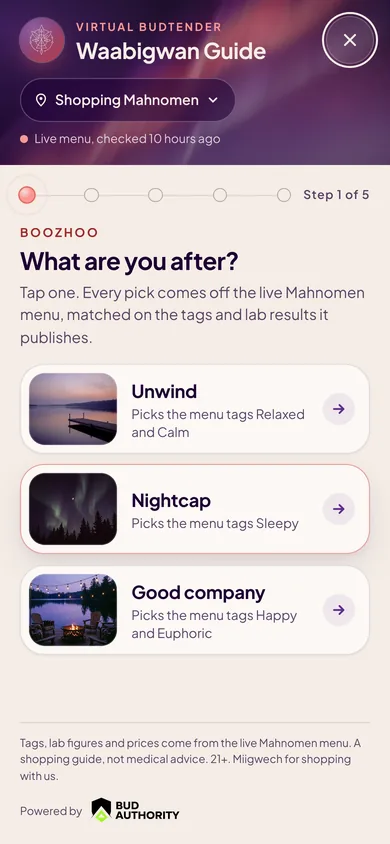
What decides how deep it goes
The Virtual Budtender is only as sharp as the lab data on your menu. Some menus publish a full panel for most products: cannabinoids and terpenes, to the decimal. Some publish THC and CBD and little else. The menu platform matters, and so does how your store has set it up.
Full matching
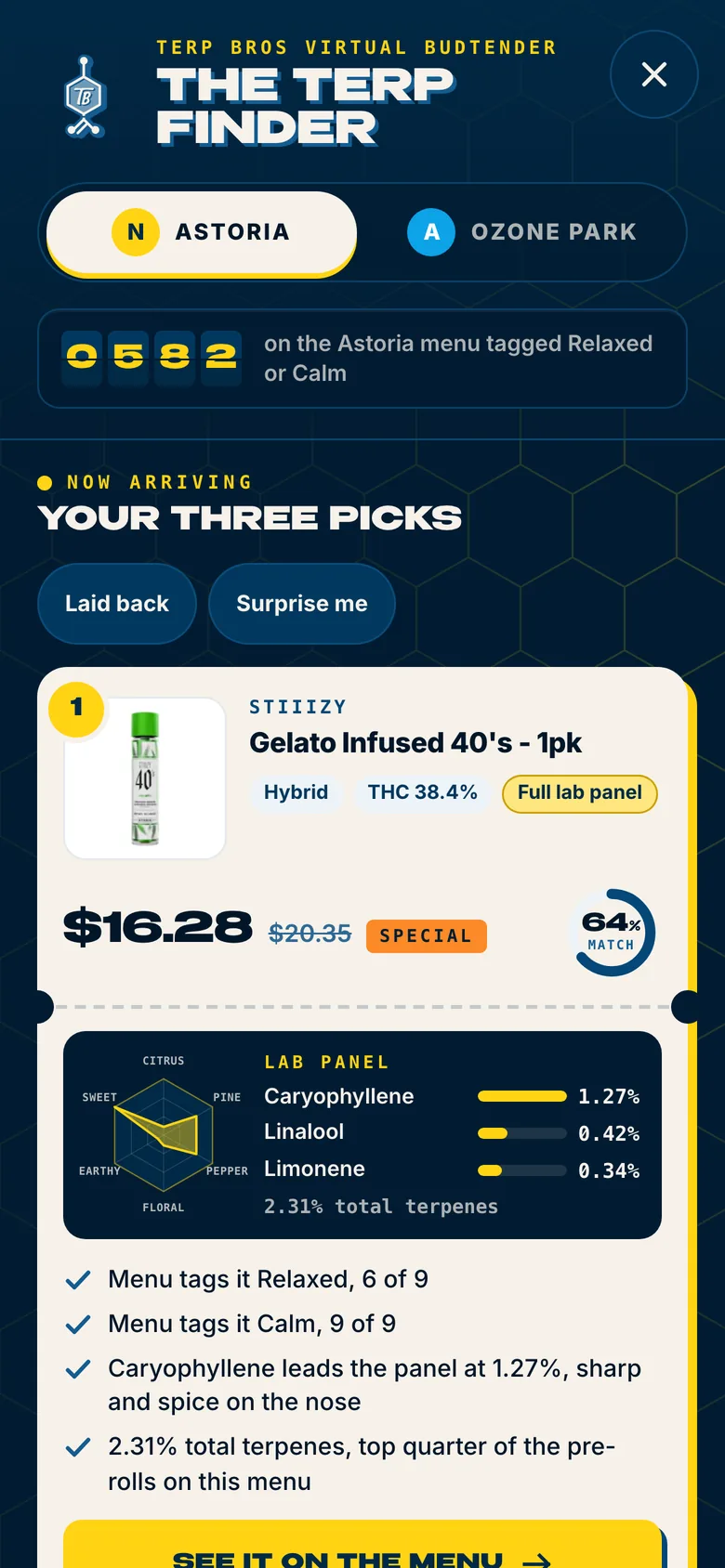
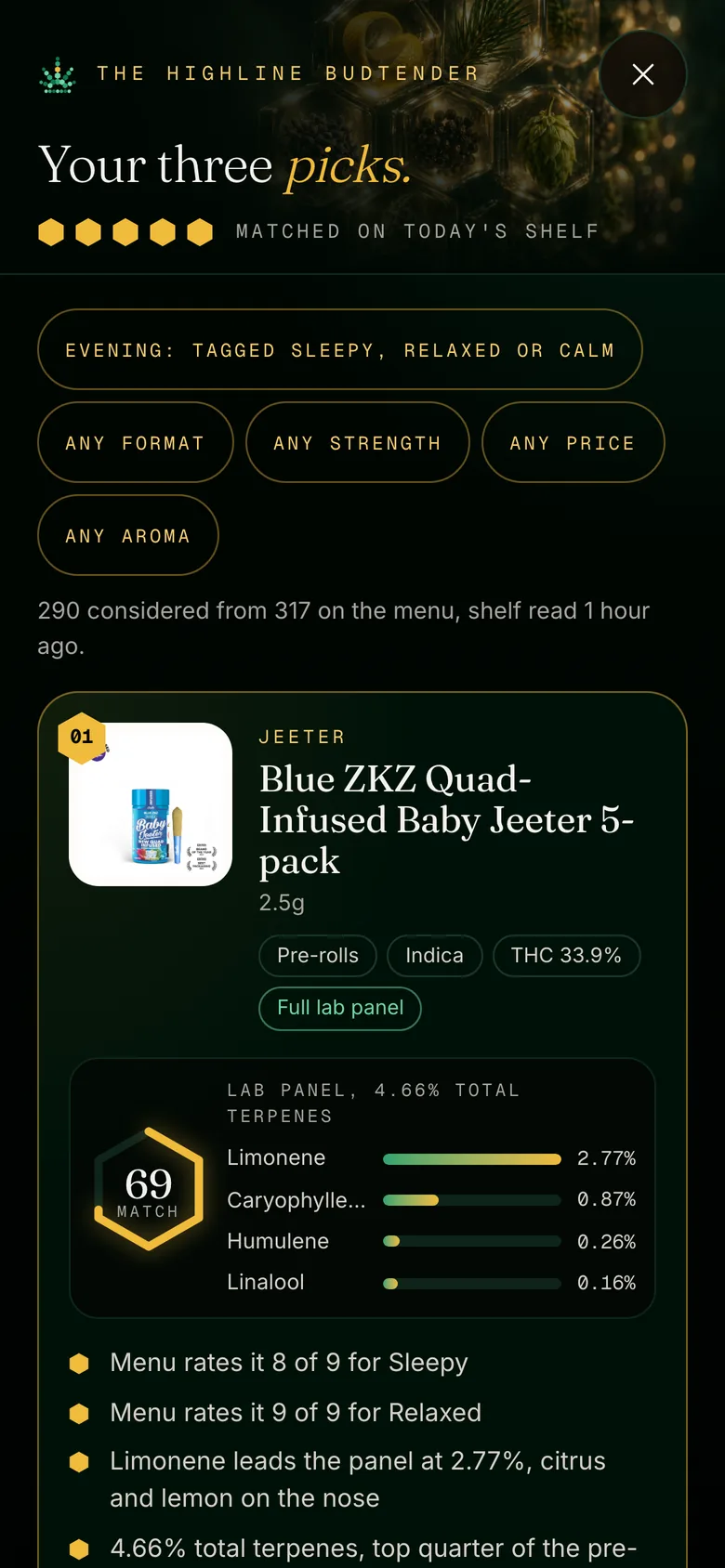
- Your menu publishes terpene and cannabinoid data
- Shoppers can choose by aroma as well as strength and format
- Every pick shows its lab numbers
Essentials matching
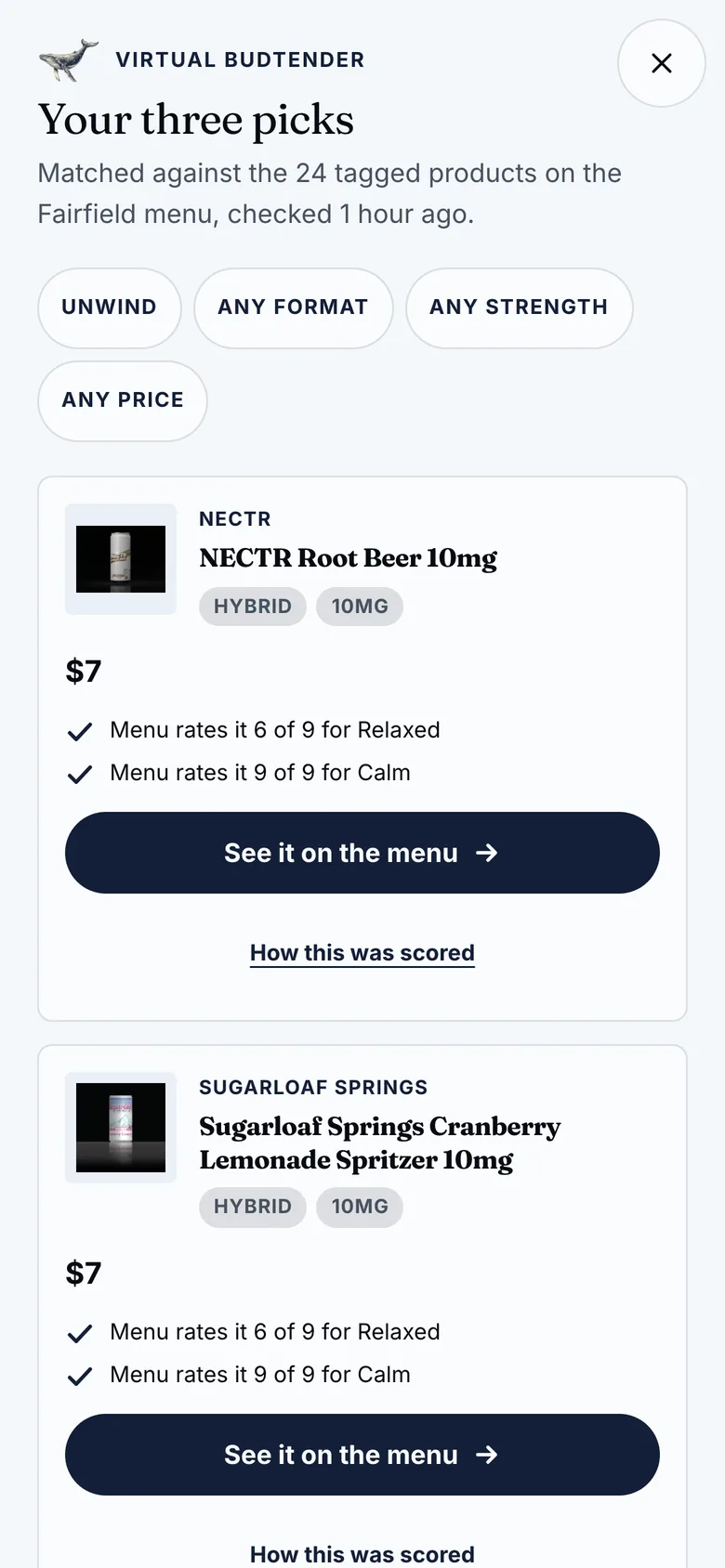
- Your menu publishes cannabinoids but few terpene panels
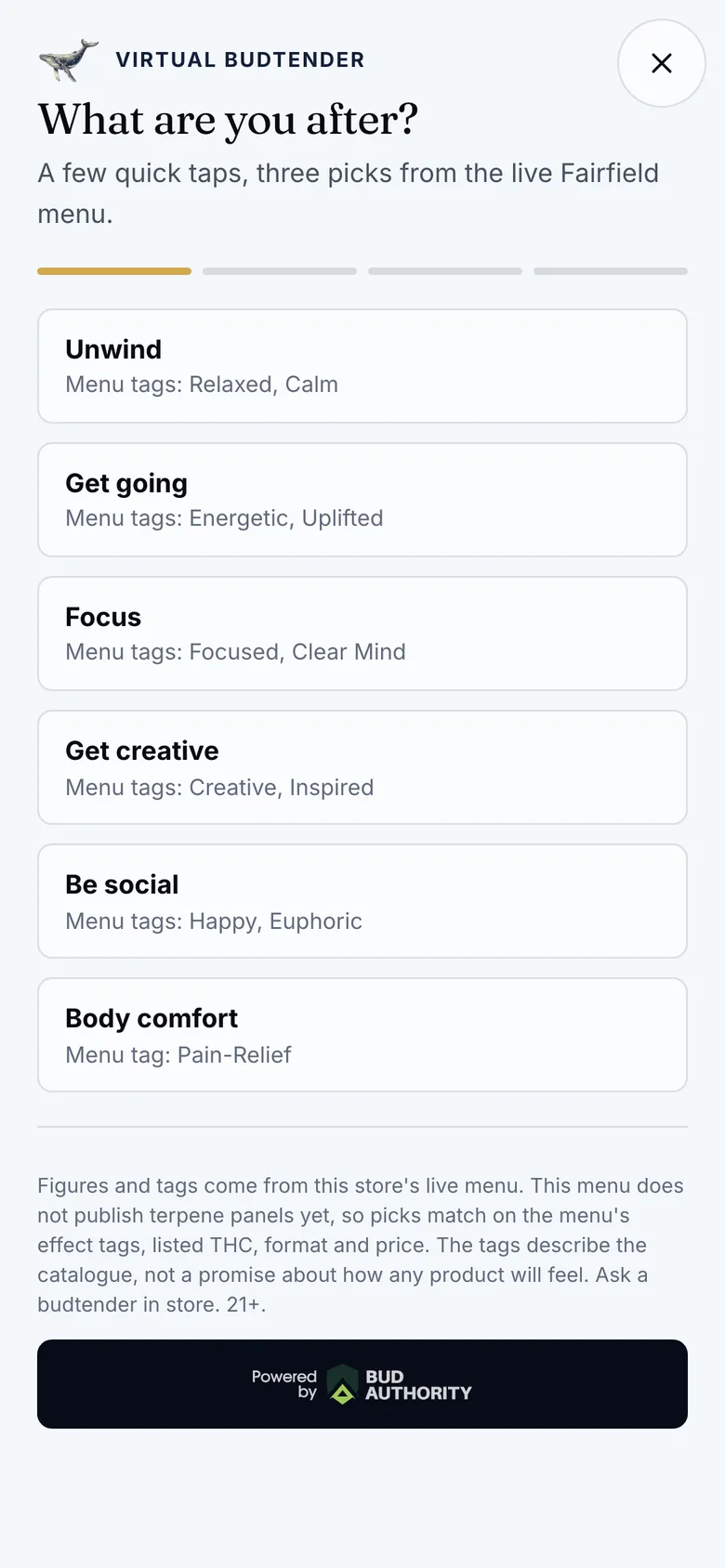
- Shoppers choose by format, strength, type and price
- The budtender says plainly that the menu carries no full lab panel
One brand, many shelves
A group with five stores has five shelves, and no two are the same on any given day. The Virtual Budtender answers from the store the shopper is shopping. A pick is only ever a product that store has.
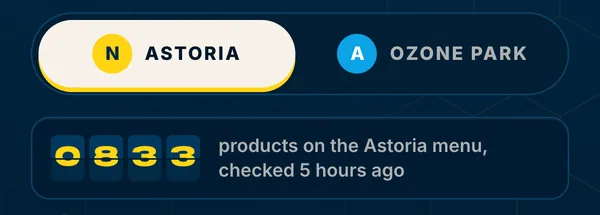
- Each store, its own picks
- The same answers can return different products in different stores, because the shelves are different.
- Each store, its own numbers
- What shoppers ask for is reported store by store, so you can see how one market differs from the next.
- One brand throughout
- Every location carries the same look and the same voice. Your group reads as one company.
What we check before we build
Your menu and how it is served
Which platform, on which domain, in which setup.
Your lab coverage
How many of your products carry lab data, and how complete it is.
Your brand
Your logo, colors and voice, so the budtender is built as part of your site.
Your age gate
So nothing is recorded before a shopper has passed it.
Your cart
Whether your menu reports carts and orders, so we know what can be measured.
You get a straight answer before any work begins: full matching, essentials matching, or what has to change first.
What it never changes
- Your menu
- Products, prices and specials stay exactly as your menu has them.
- Your checkout
- Every pick opens the product on your own menu. The cart and the order are yours.
- Your speed
- It loads only when a shopper opens it.
It also keeps pace with your shelf, so a product you stop carrying stops being recommended. See everything it does on the Virtual Budtender page.
Questions dispensary owners ask
Which menus does the Virtual Budtender work with?
Dutchie, Dispense and Treez. How deep the matching goes depends on how much lab data your menu publishes, and we check that on your own menu before we build.
Does it work with a Dutchie iframe menu?
Not at full strength. The menu needs to be served from your own domain, the setup Dutchie calls E-Commerce Pro + Proxy. That move also makes the menu visible to search engines.
Does it change my menu or my checkout?
No. Your products, prices, cart and checkout stay exactly as they are. Every pick opens that product on your own menu.
Does it work for a dispensary with more than one location?
Yes. It answers from the shelf of the store the shopper is shopping, so a pick is always a product that location has, and it reports each store's numbers on their own.
What if my menu does not publish terpene data?
It still works. It matches on what your menu does publish, such as format, strength, type and price, and tells shoppers the menu carries no full lab panel. Nothing is estimated.
More on the Virtual Budtender
Start with the Virtual Budtender page, where you can try the live demo. Then go deeper.
 AI budtenders, explainedWhat an AI budtender is, where chat goes wrong, and what to demand before one speaks for your store.
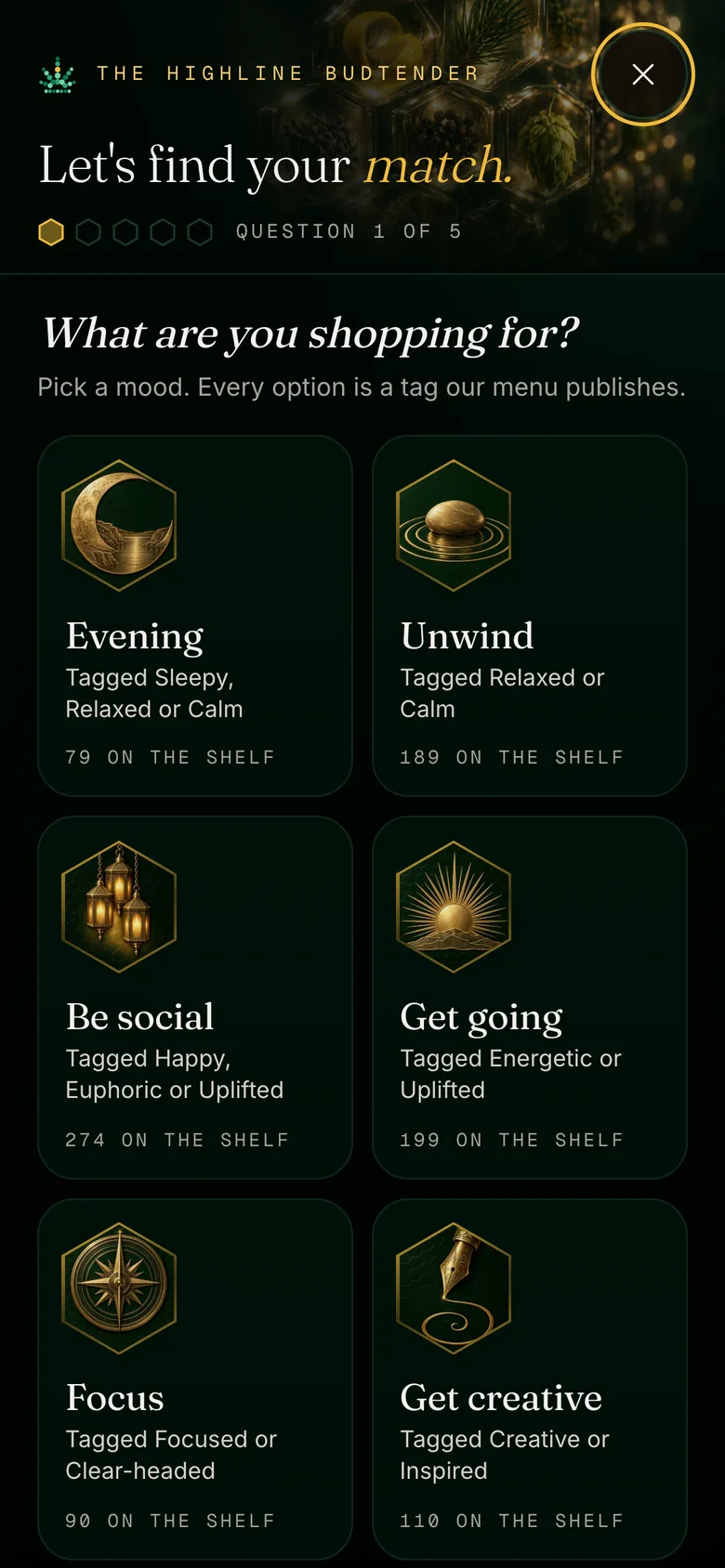 A strain finder quiz for your siteWhy the quiz shoppers search for belongs on your own website, and what a good one does.
 Shop by terpeneHow lab data turns a menu into something a shopper can browse by aroma and profile.
 Does it pay for itself?What a virtual budtender can prove, what it cannot, and how to read a vendor's lift numbers.
 Virtual budtenders comparedQuiz widgets, AI chat and built-in budtenders, side by side, by how they work.
Put a budtender on every screen.
The free audit is an automated scan of your site that shows its report card on screen. It is where every Virtual Budtender build starts.